
Everything about your Cala account lives in the Cala app: resetting your password, seeing your account details, logging out, deleting your account and getting in touch with us.
Reset a forgotten password
-
On the Cala app's log-in screen, tap Forgot Password.
-
On Need help logging in?, enter the email address for your account and tap RESET PASSWORD. We email you a 6-digit code.
-
On the Reset Password screen, enter the code from the email.
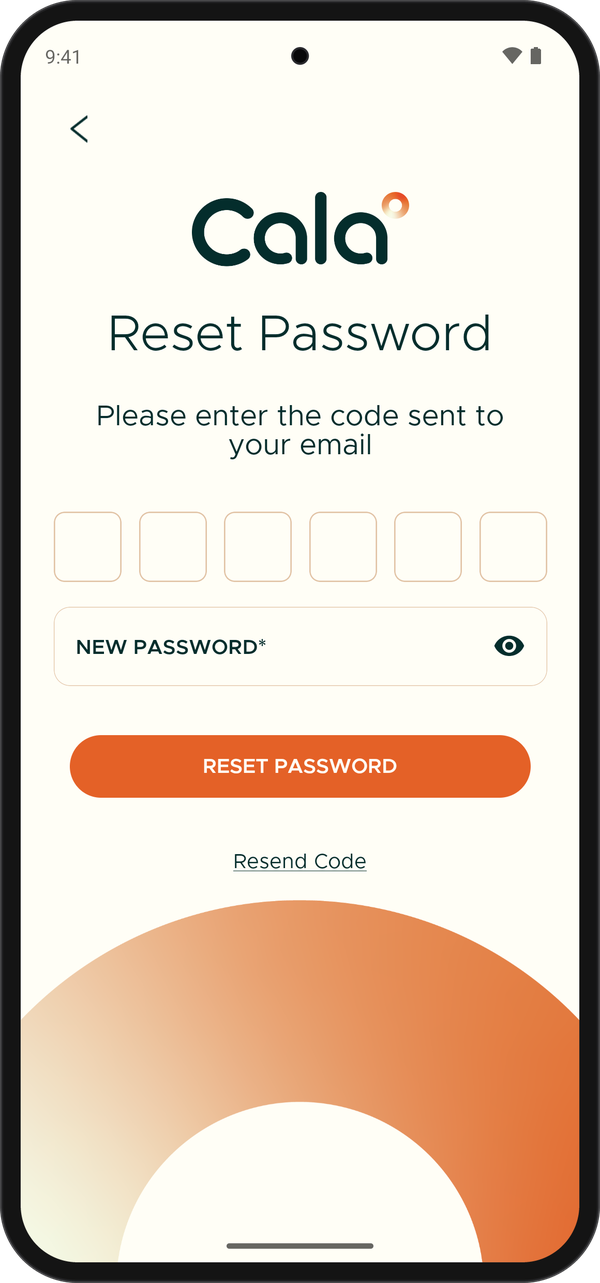
Enter the code from your email and choose a new password. -
Enter a new password. It needs 8–25 characters, with at least 1 number, 1 uppercase letter, 1 lowercase letter and 1 special character.
-
Tap RESET PASSWORD. You can now log in with your new password.
See your account details
-
In the Cala app, tap the menu icon at the top left.
-
Tap USER SETTINGS. You see the Name and Email on your account.
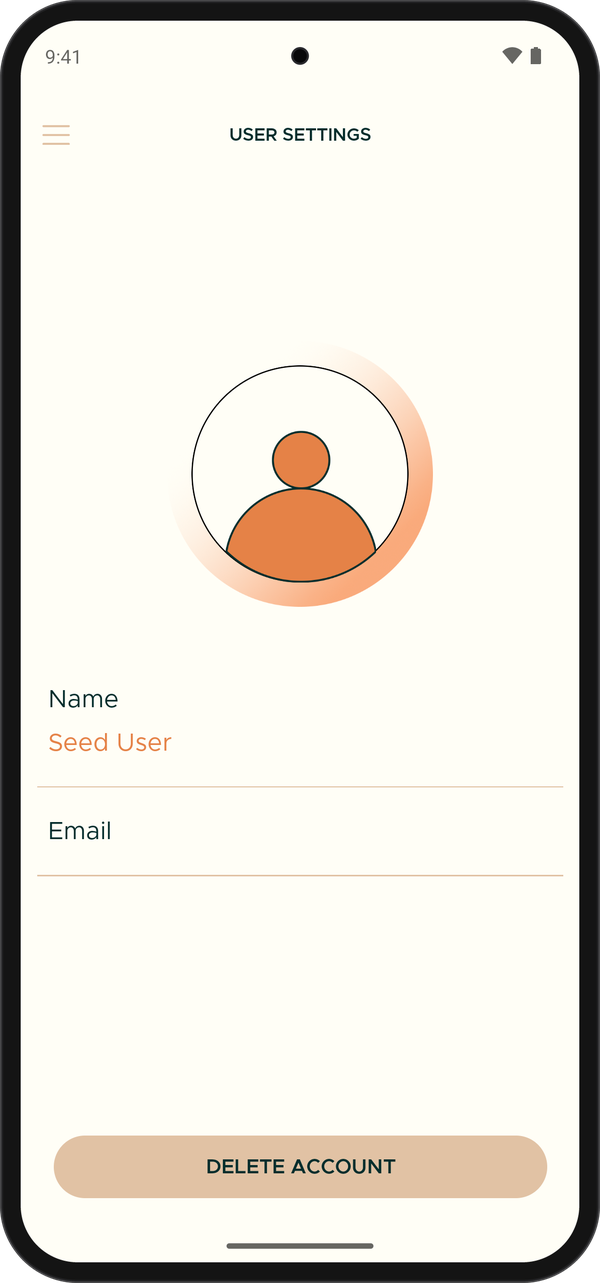
USER SETTINGS.
Log out
-
In the Cala app, tap the menu icon at the top left.
-
Tap LOG OUT.
-
When the app asks Are you sure you want to logout?, tap LOGOUT. The app returns to its first screen.
Delete your account
-
In the Cala app, tap the menu icon at the top left, then tap USER SETTINGS.
-
Tap DELETE ACCOUNT.
-
The app asks Are you sure you want to delete your account? This action cannot be undone. Tap DELETE ACCOUNT to confirm. The app shows Account deleted successfully and returns to its first screen.
Contact Cala
-
In the Cala app, tap the menu icon at the top left.
-
Tap Contact Us at the bottom of the menu.
-
Tap EMAIL US to write to us, or FAQs to read answers to common questions.
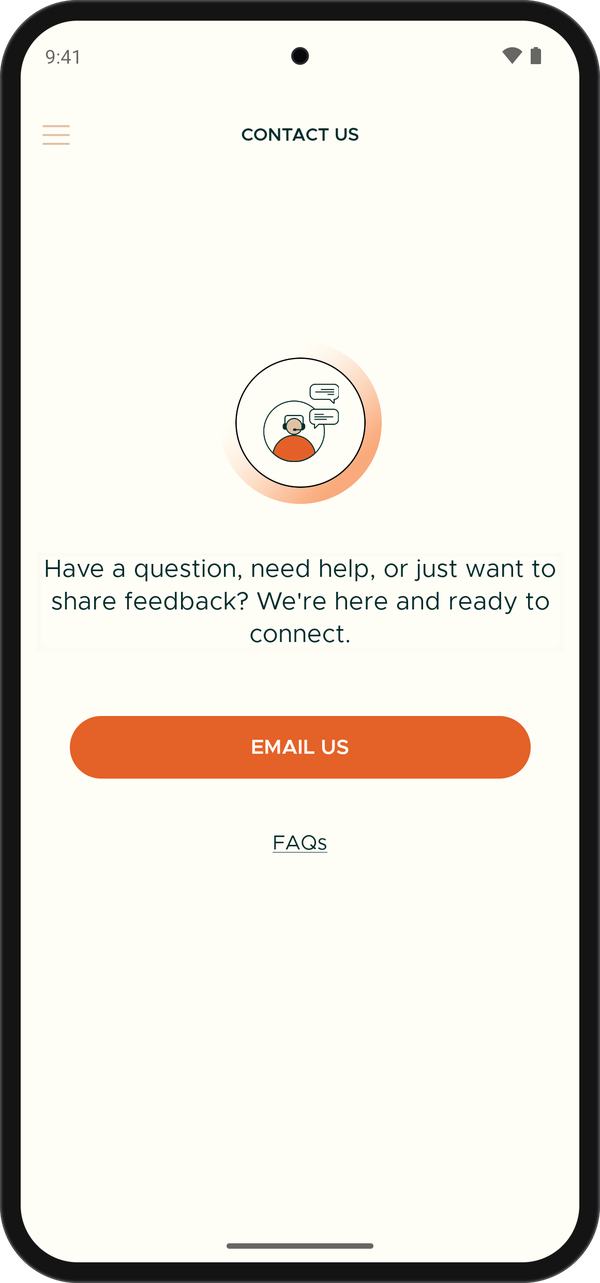
CONTACT US.