
After you create your account, the Cala app asks you to add your home. Cala uses your home's location to heat water for comfort, efficiency and energy savings.
Steps
-
In the Cala app, tap GET STARTED. The ADD HOME screen opens.
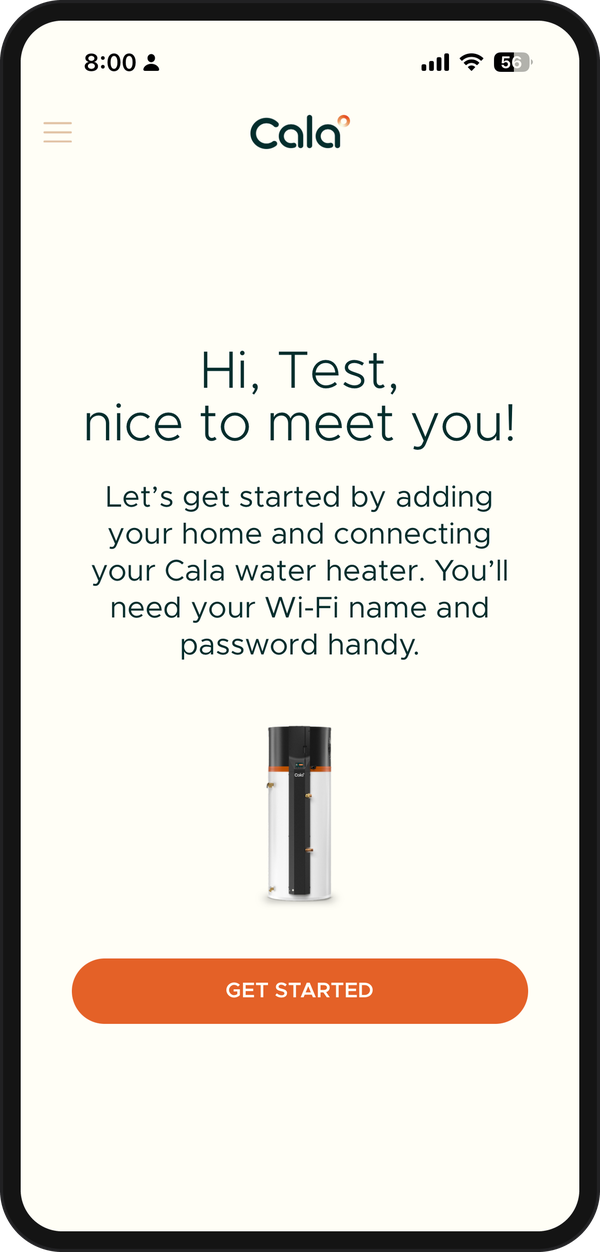
After you sign up, tap GET STARTED to add your home. -
Enter a name for your home in HOME NAME, such as "Home" or "Lake house".
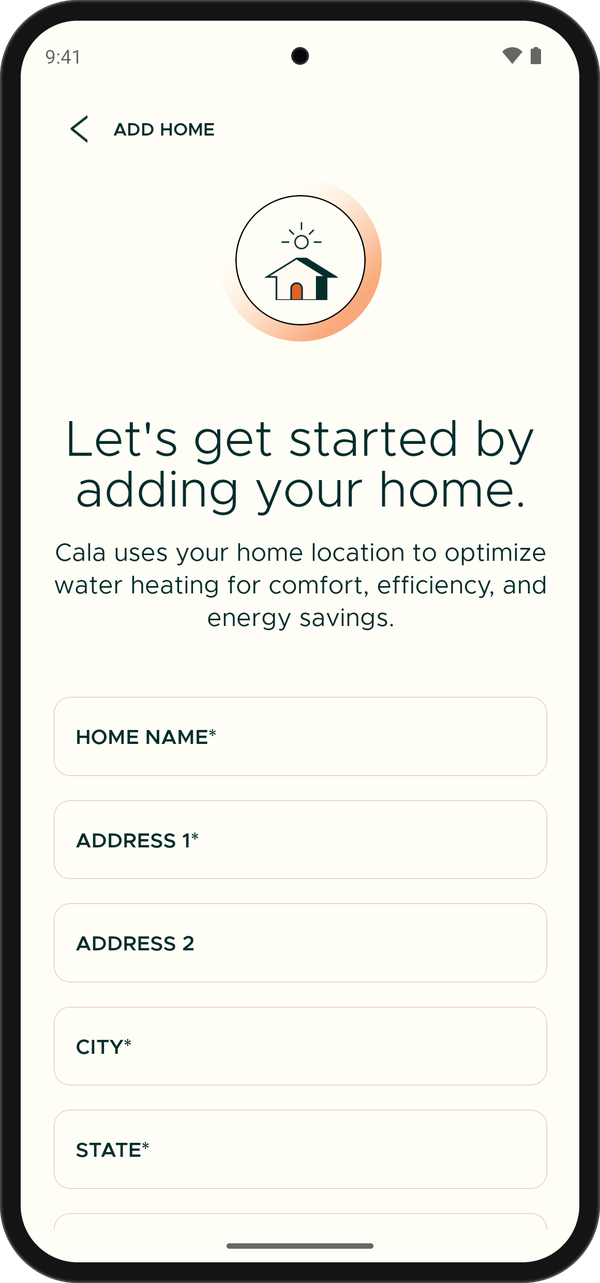
The ADD HOME form. -
Enter your street address in ADDRESS 1 (ADDRESS 2 is optional), then your CITY. Choose your state from the STATE list and enter your ZIP.
To fill in the address for you, tap Use phone's location while you're at home and allow location access when your phone asks.
-
Tap ADD HOME. Your home's page opens, showing its name, its address, Users and Cala Water Heaters.
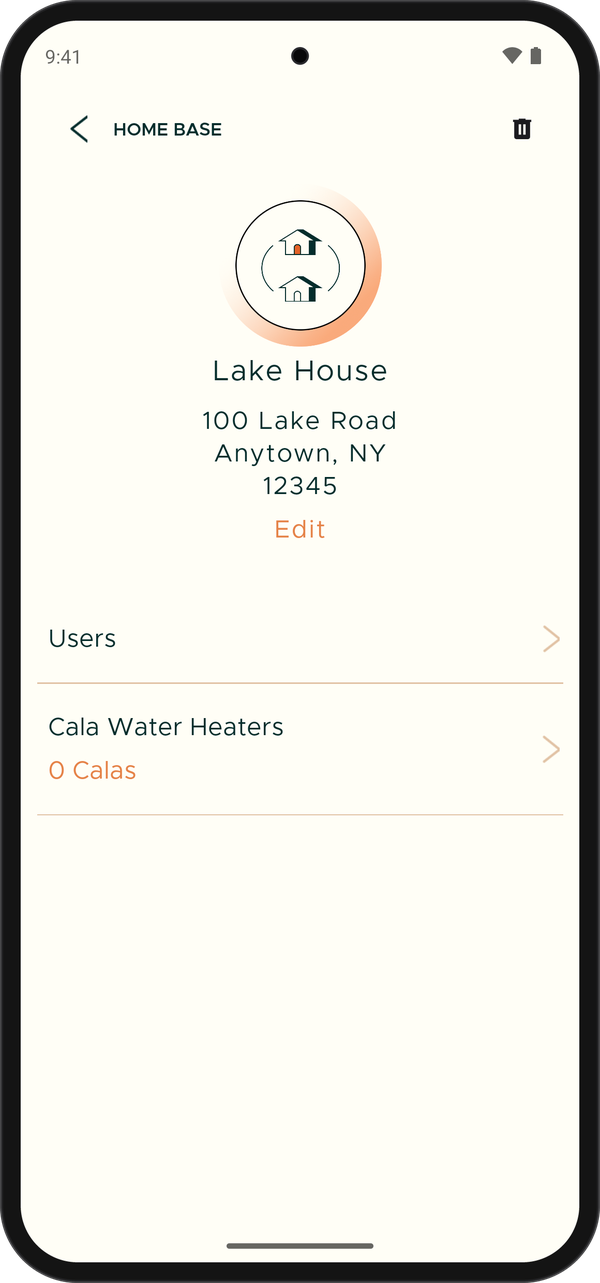
A new home starts with no Calas.
Next: connect your Cala to the app and Wi-Fi.
Good to know
- ZIP takes a 5-digit ZIP code, or ZIP+4.
- Each of your homes needs its own name. If you already have a home with that name, the app shows Name must be unique.
- You can have up to 5 homes on your account, counting homes other people have shared with you.