
Cala + Home Assistant
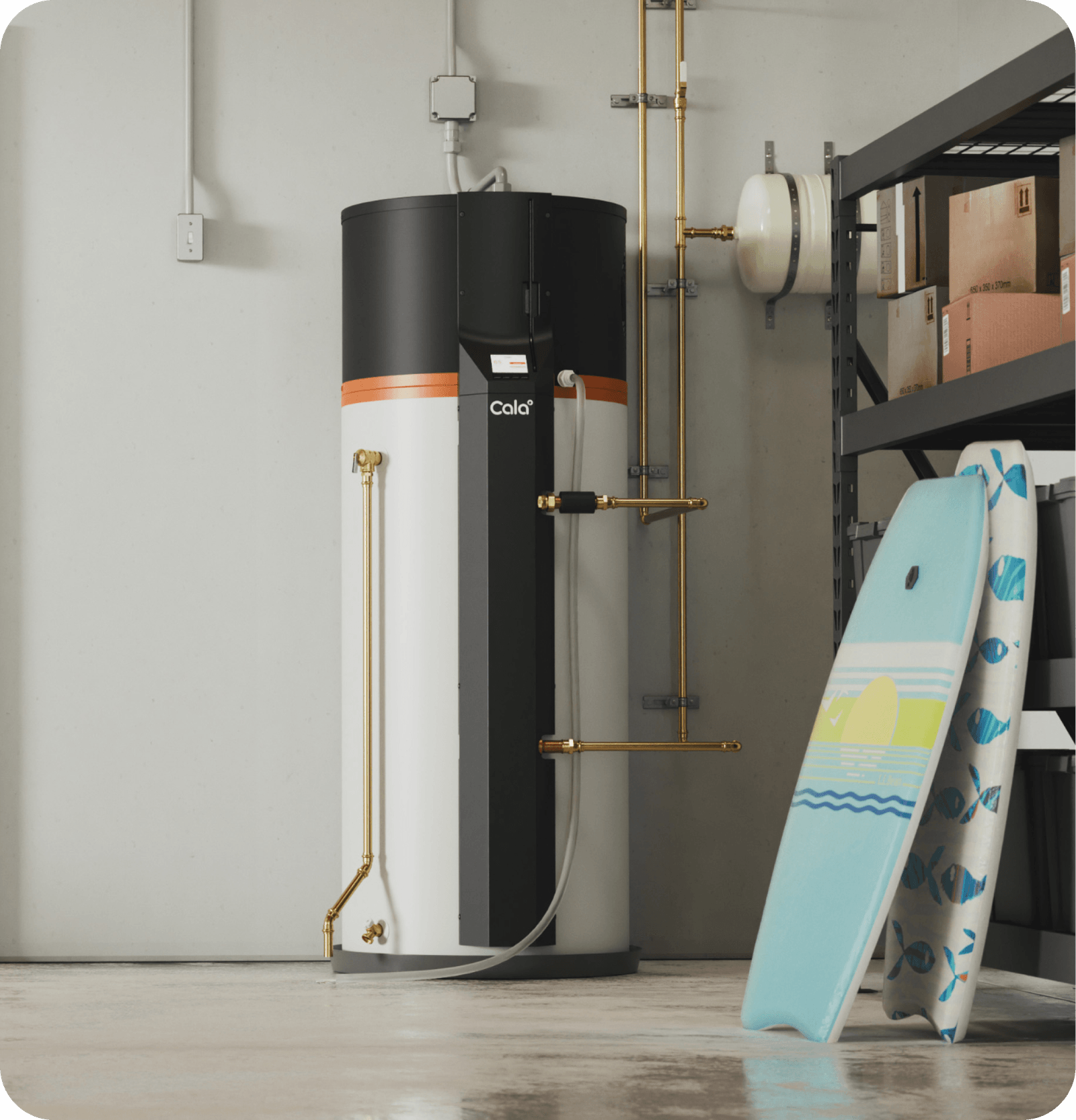
The water heater that belongs in your Home Assistant.
Cala pairs with Home Assistant over your own network. Watch your tank heat in real time, start Boost from your automations, and hand Cala your solar, battery and electricity prices so it heats when power costs less.
Saves a family of four $1,065 a year vs. an electric water heater, and $205 vs. a conventional heat pump water heater. How we got these
The Cala card for Home Assistant, running live. Try the Boost button.
One device, nothing hidden
Every reading, live in Home Assistant
No cloud account to link. The Cala app keeps working as usual.
Six temperatures
Top, upper, lower, delivery, inlet and ambient, updated as they change.
Hot water available
Gallons ready right now, flow rate, and water used today and in total.
Power and energy
Live power and energy used, ready for the Energy dashboard.
Boost, anywhere
A Boost button, plus
cala.start_boostandcala.stop_boostfor automations, from 1 hour to a week.The Cala card, included
The live cutaway at the top of this page. Nothing extra to install.
It works both ways
Your Home Assistant makes Cala smarter
Cala learns when your household uses hot water and plans its heating ahead. Home Assistant gives it more to plan with, and gets everything back.
Home Assistant sends Cala
Cala plans the heating
Home Assistant shares. Cala decides.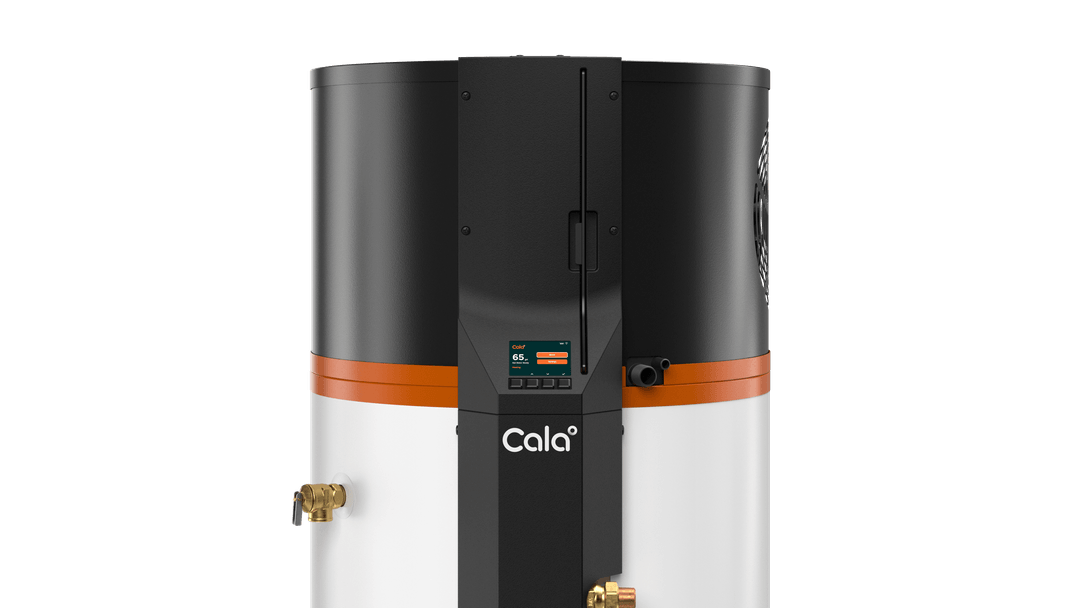
Cala sends Home Assistant
Nothing to mapCala reads the same sensors as your Energy dashboard. If that shows your solar and battery, you're done.
Live price feedsPoint Cala at a Nord Pool, ENTSO-E, Tibber or OpenADR 3 price sensor, or type your rates on the Cala rates card.
Ready for outagesHave a battery? Tell Cala when your home is off the grid.
Automations
Automate hot water your way
Cala's actions and sensors work like any other in Home Assistant.
alias: Boost before guests arrive
triggers:
  - trigger: time
    at: "14:00:00"
actions:
  - action: cala.start_boost
    data:
      device_id: 2601XXA000
      duration: 12
alias: Tell me when Boost ends
triggers:
  - trigger: state
    entity_id: binary_sensor.cala_water_heater_boost_mode_on
    from: "on"
    to: "off"
actions:
  - action: notify.notify
    data:
      message: Cala has finished boosting.
Smart from the start, not just connected
A smart plug can switch a water heater off. Cala decides when to heat. For a family of four using about 80 gallons of hot water a day, with electricity at $0.30/kWh:
Measured across the fleet, year one
Try your own household and prices in the cost calculator
Savings figures are the Cala cost calculator’s defaults: a household of four (about 80 gallons of hot water a day) and electricity at $0.30/kWh. Cala’s 157 kWh a month at 80 gal/day is measured across 31 Cala homes. The electric water heater (efficiency 0.76, the low end of field studies) and the conventional heat pump water heater (field efficiency 1.61, NEEA field study) are calculated for the same hot water. Fleet figures are from the first-year fleet report: 312 Cala homes, September 2025 to September 2026. What you save depends on your hot water use, energy prices, and the water heater you replace. Readings in the demos on this page are simulated.
Setup
Paired in three steps
-
1Install the integration
Add the Cala integration in HACS and restart Home Assistant. It's open source on GitHub.
-
2Give Cala an MQTT login
Add a username and password for Cala in your MQTT broker. Most people use the Mosquitto add-on.
-
3Pair with Cala's code
Cala appears under Discovered. Click Add, type the pairing code from Cala's screen and the MQTT login, and you're connected.